

How Reach2Globe Technologies Helps Boost Sales Through Expert Amazon, Flipkart, Meesho & Myntra Account Management Services
In today’s fast-growing e-commerce market, sellers face intense competition on platforms like Amazon, Flipkart, Meesho, and Myntra. Managing product listings, ads, inventory, and customer service while maintaining high account health is challenging for both new and experienced sellers.
This is where Reach2Globe Technologies becomes a trusted partner for e-commerce businesses.
With advanced tools, data-driven strategies, and expert marketplace managers, Reach2Globe helps brands scale faster, rank higher, and increase daily orders consistently.
✅ What Makes Reach2Globe Technologies Different?
Reach2Globe Technologies specializes in end-to-end marketplace management and works closely with sellers to improve visibility, conversions, and brand performance across all major Indian e-commerce platforms.
Key Strengths:
-
7+ years of e-commerce expertise
-
Dedicated managers for each marketplace
-
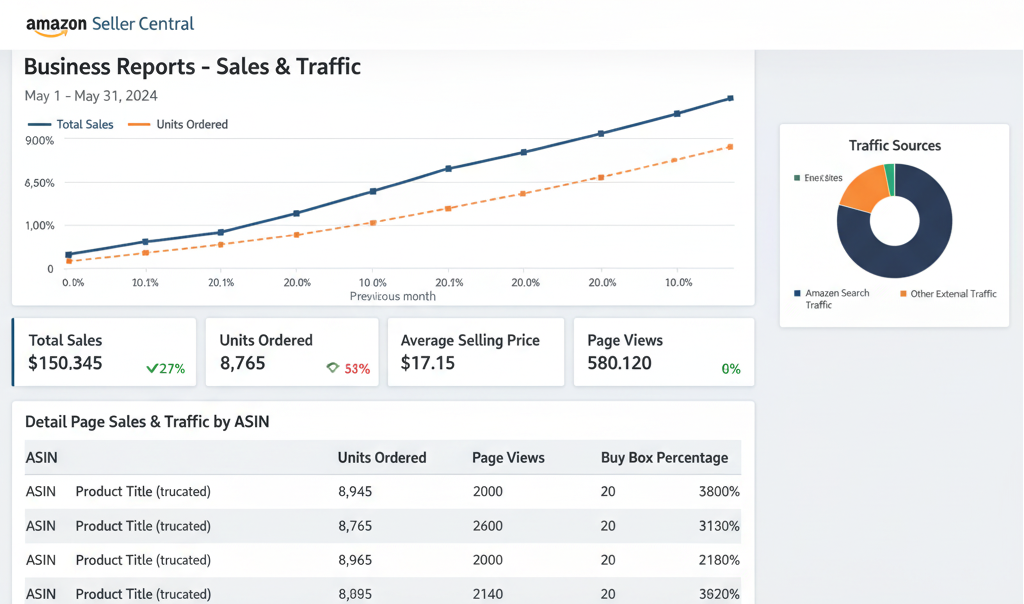
Real-time performance monitoring
-
Proven strategies to grow organic + paid sales
-
Customized monthly growth plans
-
Affordable plans for small, medium & large sellers
✅ 1. Amazon Account Management Services by Reach2Globe Technologies
Amazon is one of the most competitive marketplaces, and Reach2Globe ensures you stay ahead with complete seller account management:
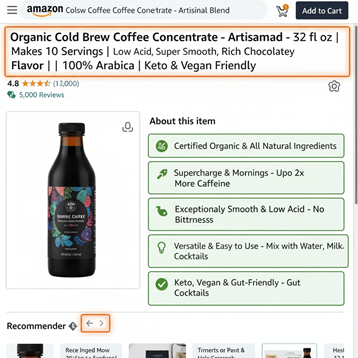
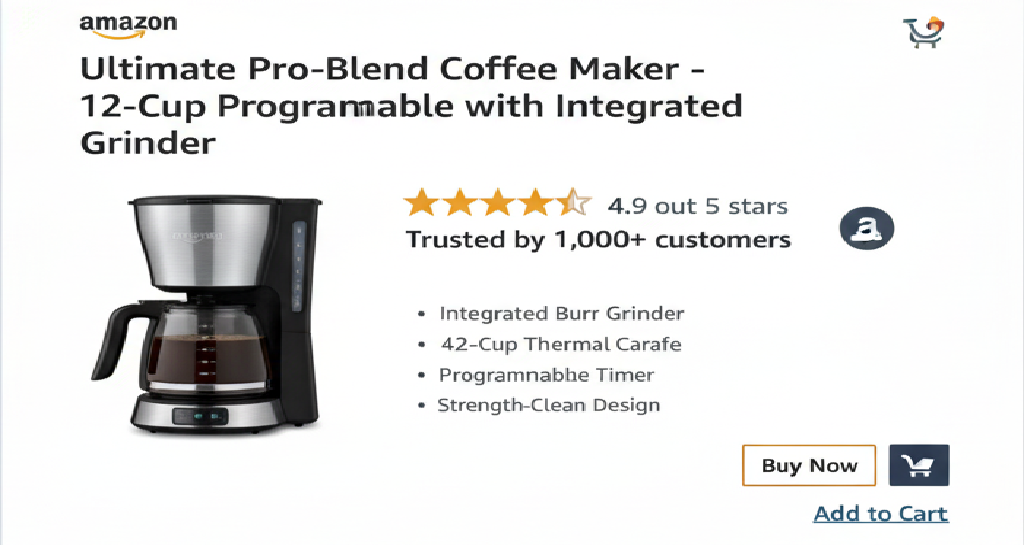
✔ Listing Creation & Optimization
-
SEO-rich titles
-
Relevant keywords
-
High-converting bullet points
-
A+ Content / EBC
-
Eye-catching images
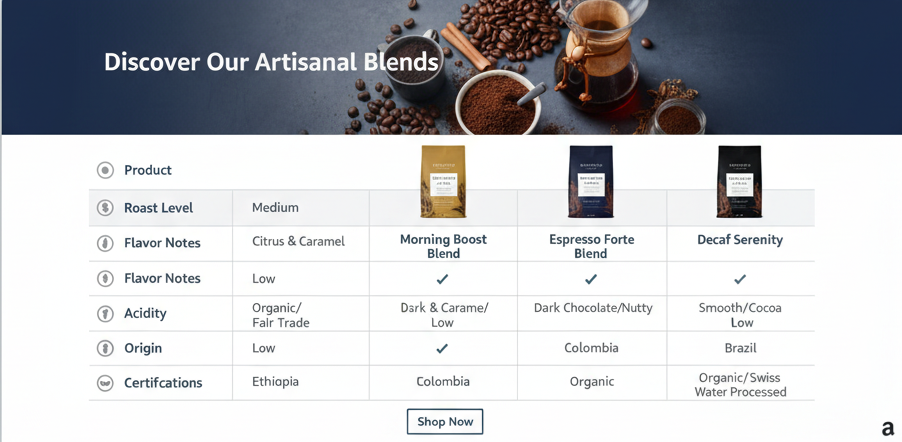
✔ Amazon SEO & Ranking Strategy
-
Keyword research using premium tools
-
Competitor analysis
-
Organic ranking improvements
-
Backend keyword optimization
✔ PPC Advertising (Amazon Ads)
-
Sponsored Products, Brands & Display campaigns
-
ACOS optimization
-
Daily ad performance monitoring
-
Scaling profitable keywords
✔ Account Health & Compliance
-
Avoid policy violations
-
Fix suppressed/stranded listings
-
Maintain ODR, return rate & performance score
-
Support for reinstatement if required
✔ Inventory & Order Management
-
Smart forecasting
-
Preventing stockouts
-
Reducing excess inventory
-
Smooth FBA/FBM operations
With these strategies, Reach2Globe helps sellers achieve higher search rankings, more Buy Box wins, and increased daily orders.
✅ 2. Increasing Orders on Flipkart
Flipkart requires a completely different growth approach compared to Amazon, and Reach2Globe optimizes everything for better conversions:
What They Offer:
-
Flipkart listing optimization
-
Ad campaign setup & bid optimization
-
Price competitiveness strategy
-
Seller Score improvement
-
Smart Inventory + warehouse planning
-
Festival sale growth planning
The result: More visibility, better CTR, and higher conversions on Flipkart.
✅ 3. Growing Sales on Meesho
Meesho is growing rapidly in India, and Reach2Globe helps sellers dominate this platform.
Their Meesho Services Include:
-
Meesho listing optimization
-
Correct category selection
-
Price benchmarking
-
Product boosting strategy
-
Review improvement
-
Reducing RTO rate
-
Daily performance tracking
This leads to consistent orders and strong ranking on Meesho search results.
✅ 4. Myntra Account Management for Fashion Brands
Myntra requires premium content quality and brand-focused listing standards.
Reach2Globe manages:
-
Professional cataloging
-
High-quality images & fashion descriptions
-
Trend-based pricing strategy
-
Myntra Ads management
-
Growth planning for apparel, footwear & accessories
Perfect for sellers targeting fashion-conscious customers and premium sales.
✅ How Reach2Globe Technologies Increases Orders Across All Marketplaces
Reach2Globe uses a multi-platform growth framework to help sellers scale effectively:
✅ Data-driven decision-making
✅ Keyword-rich, high-converting listings
✅ Performance monitoring & weekly reporting
✅ Festival & seasonal campaign planning
✅ Smart ad budget distribution
✅ Targeted competitor analysis
✅ Review boosting & seller reputation improvement
✅ Inventory and order error reduction
By combining these strategies, sellers experience higher visibility, better rankings, and a growing number of daily orders.
✅ Who Should Work With Reach2Globe Technologies?
Reach2Globe is perfect for:
-
New sellers looking to start correctly
-
Small businesses aiming for consistent orders
-
Medium sellers wanting to scale faster
-
D2C brands expanding to marketplaces
-
Manufacturers launching their own brand
-
Fashion, electronics, home, beauty & lifestyle sellers
✅ Final Conclusion
If you want to grow your e-commerce business across Amazon, Flipkart, Meesho, and Myntra, Reach2Globe Technologies provides the expertise and tools needed for rapid scaling. From account setup to daily management, advertising, ranking, and complete optimization, they help sellers increase orders, boost visibility, and build a strong brand presence across all major platforms.
Reach2Globe isn’t just a service provider — it’s a growth partner for every e-commerce seller.
Reach2Globe Technologies | Amazon account management services | Amazon seller growth | Flipkart account management | Meesho account management | Myntra seller services | Increase orders on Amazon | Increase orders on Flipkart | Marketplace management agency India | E-commerce account management services | Amazon PPC management | E-commerce listing optimization | Online marketplace growth agency


 Summary Table – Meesho Best-Selling Product Categories (2025)