
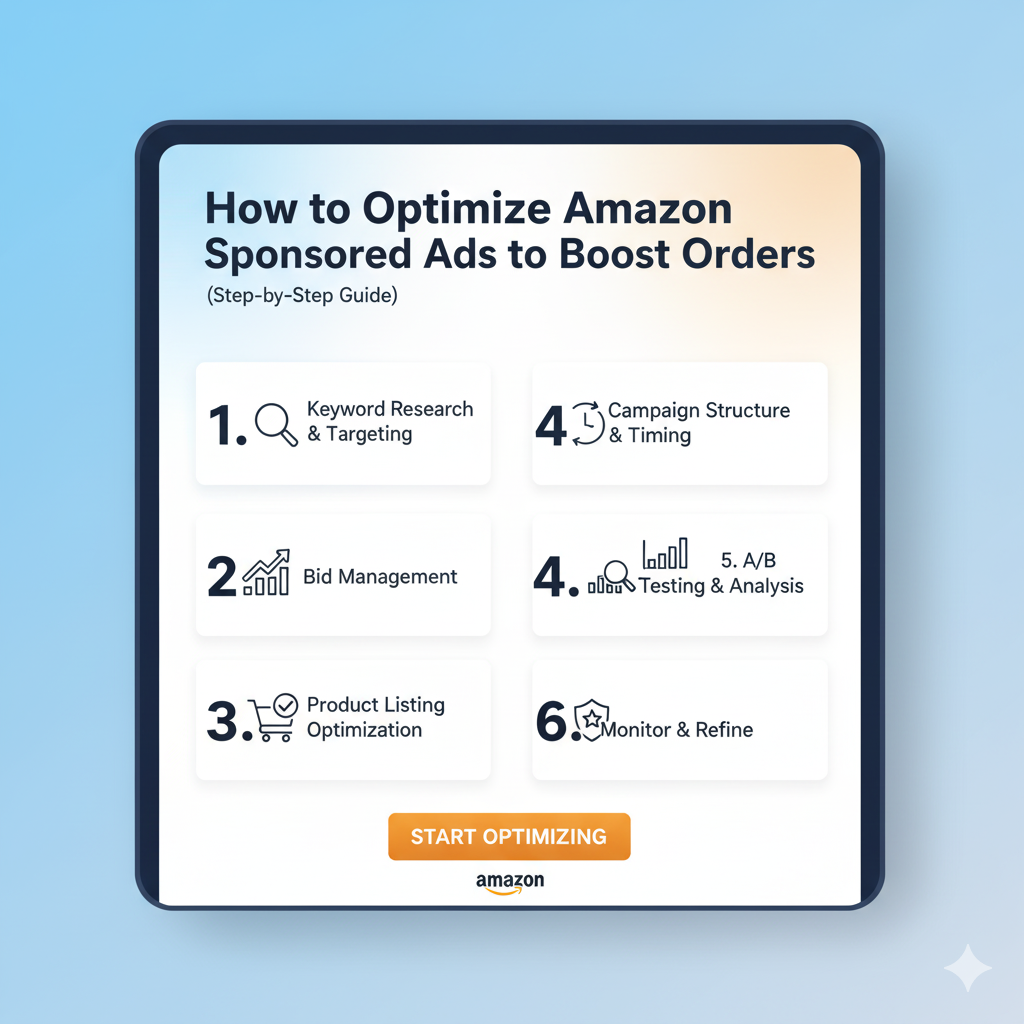
How to Optimize Amazon Sponsored Ads to Boost Orders (Step-by-Step Guide)
Introduction
Amazon Sponsored Ads are one of the fastest ways to get sales — but poorly optimized campaigns can burn budget and deliver few orders. This guide walks you through every essential step to structure, launch, measure, and optimize Sponsored Products, Sponsored Brands, and Sponsored Display campaigns so you can consistently lower ACoS, increase conversions, and scale profitable orders.
Packaging Materials
Buy Meesho Packaging Materials
Buy Amazon Packaging Materials
Buy Myntra Packaging Materials
Buy Flipkart Packaging Materials
Buy Snapdeal Packaging Materials
Watch helpful Videos for Amazon
FOR NEW ECOMMERCE SELLERS || INCREASE LISTING VISIBILITY ON AMAZON MEESHO FLIPKART
How to Apply for GTIN exemption on Amazon | Apply Brand Approval Process on Amazon
Increase 5X Amazon Orders | FBA Preparation for Amazon Bazaar 2024
Amazon Seller Central Training | Amazon Seller Full Course for Beginners in Hindi
Quick overview: the three ad types
-
Sponsored Products (SP): Keyword- and product-targeted ads that appear in search results and product pages. Highest intent — core for conversion.
-
Sponsored Brands (SB): Banner-style ads that promote a brand or store; good for awareness and cross-sell.
-
Sponsored Display (SD): Audience and product-based display ads — useful for retargeting and discovery.
1) Set clear goals & metrics
Before optimizing, declare measurable goals:
-
Primary goal: increase profitable orders (e.g., +30% month-over-month)
-
KPI set: CPC cap, target ACoS (e.g., ≤20%), TACoS target (advertising spend % of total sales), conversion rate, ROAS, CTR
-
Timeframe: daily checks for 7–14 days after major changes; weekly and monthly reviews for trends
2) Audit product fundamentals (pre-ad optimization)
Ads will only convert if your product page converts. Fix these first:
-
Title — include main keyword, brand, key features, size/qty.
-
Images — high-resolution, lifestyle + white background, 1:1 for thumbnails.
-
Bullet points & description — highlight benefits, specs, keywords, and use HTML or A+ where available.
-
Price & shipping — competitive price and Prime shipping.
-
Reviews & Q&A — aim for social proof (数 reviews, reply to negative ones).
-
Backend keywords — populate search terms, no repetitions.
If the listing converts poorly, ad clicks won’t turn into orders; optimize listing conversion rate before scaling ads.
3) Campaign structure best practices
Create a clear, scalable structure:
-
Seed campaigns (Auto & Manual split):
-
Auto campaign (low budget) to discover converting keywords (use ASIN targeting off initially).
-
Manual campaigns separated by match types and goals.
-
-
Manual campaigns:
-
Exact-match high-priority campaign for converting terms (higher bids).
-
Phrase-match mid-priority for discovery with moderate bids.
-
Broad-match exploratory with low bids to find long-tail variations.
-
Use Separate campaigns for new launches vs. mature SKUs.
-
-
Product-level targeting campaigns:
-
For cross-sell and competitor conquest, create Product Targeting campaigns by category, ASIN, or brand.
-
-
Sponsored Brands & Store campaigns:
-
Run SB for top-selling or high-margin SKUs and to build store funnels.
-
-
Sponsored Display (retargeting & audiences):
-
Retarget viewers and past purchasers for cross-sell or replenishment.
-
-
Campaign naming convention: Include SKU, match type, objective (e.g.,
SKU123_BP_Exact_Scale_ACoS20).
4) Keyword research & selection
-
Start with seed keywords: from listing, competitors, auto-search terms, and external tools (keyword explorers).
-
Prioritize by intent: exact transactional keywords (e.g., “xyz 16oz organic shampoo”) have highest purchase intent.
-
Consider long-tail: lower CPC, high conversion potential.
-
Group keywords by theme: create tightly themed ad groups (1–5 similar keywords) to improve relevancy and bidding.
-
Use negative keywords actively to exclude irrelevant queries (see section on negatives).
5) Match types & bidding strategy
-
Exact match: highest intent; bid more aggressively.
-
Phrase match: broader reach; medium bids.
-
Broad match: discovery; lowest bids and strict negatives.
Bidding rules:
-
Start bids based on suggested CPC and adjust vs. performance.
-
For performing exact keywords, increase bids to win top placement if conversion rate and ACoS justify it.
-
For unprofitable keywords, lower bids or add as negatives.
-
Use dynamic bidding (down only or up and down) if it fits your strategy; conservative sellers often use “down only” to control spend.
6) Negative keywords: the single biggest lever
-
Add negative keywords at ad group and campaign level to block irrelevant/low-converting search terms.
-
Sources for negatives:
-
Search term reports (check weekly).
-
High spend, zero conversions — immediate negative.
-
Brand terms if you don’t want to bid on competitor brand searches (or the opposite).
-
-
Use negative phrase for recurring non-converting patterns (e.g., “free”, “cheap”, “DIY” if irrelevant).
7) Leverage placements & placement modifiers
-
Amazon allows placement adjustments (Top of Search, Product Pages, Rest of Search).
-
Top of Search (first page, top) often converts best — increase bids for exact keywords performing well in this placement.
-
Monitor placement reports and shift budgets/bids to the best performing placements.
8) Optimize creatives & assets
-
Sponsored Brands creatives: Use a strong headline, focused SKU selection, and a clear call-to-action (shop now, view product).
-
Store & Landing Pages: For SB, use optimized Store pages with categories and best sellers as landing destinations.
-
Images: Use your best product image in Sponsored Display where applicable. Test lifestyle vs. packshot images.
-
A/B testing: Rotate creatives and product variations and compare performance.
9) Use reporting & analytics — what to monitor and when
Essential reports and cadence:
-
Daily: Spend, orders, ACoS, CPC, impressions (quick health check).
-
Weekly: Search terms (add negatives), keyword-level performance, placement performance, ROAS by campaign.
-
Monthly: TACoS (ad spend / total sales), trend analysis, seasonality effects, conversion rate changes.
Key metrics to track:
-
ACoS (ad spend / ad revenue) — direct PPC efficiency.
-
TACoS (ad spend / total sales) — long-term profitability across business.
-
Conversion rate — listing + ad relevancy.
-
CTR & CPC — relevance and competition.
-
Impression share & lost IS — missed opportunity.
10) Bid automation & rule-based scaling
-
Consider automation rules or PPC tools to:
-
Increase bids by X% when CTR or conversion exceeds a threshold.
-
Decrease bids when CPC rises above profitability.
-
-
Start with conservative automated rules; test and monitor impact.
11) Use experiments & seasonal adjustments
-
A/B test title/images/listing changes to isolate ad performance improvements.
-
During peak seasons (Diwali, Prime Day), increase budgets early, review competitor pricing and inventory.
-
Reduce bids for SKUs with low inventory to avoid overspend.
12) Budget allocation & scaling approach
-
Rule of thumb: allocate budget by expected ROI. Put more budget behind low ACoS, high-margin SKUs.
-
Scaling: scale bids & budgets by 10–20% increments when performance remains within ACoS targets.
-
Reserve a portion of budget for discovery (broad/auto) to replenish keyword pipeline.
13) Advanced tactics
-
Dayparting: use day/time performance to bid up during high-conversion hours if data supports it (via third-party tools or manual scheduling).
-
Audience segmentation: retarget past buyers with Sponsored Display for replenishment.
-
Cross-listing & ASIN harvesting: use top-performing ASINs to drive traffic to new SKUs.
-
Negative ASINs: exclude low-converting competitor pages to focus spend.
14) Troubleshooting common problems
-
High clicks, low sales: check listing conversion (images, price, reviews).
-
Low impressions: increase bids, check keyword relevance, ensure inventory, use broader keywords and Sponsored Brands.
-
High ACoS on exact: check price margins or TACoS; reduce bids or optimize listing conversion.
-
Sudden drop in sales: check Buy Box, inventory, account health, or policy suspensions.
15) Tools & resources (examples)
-
Amazon Advertising console reports (Search Term, Placement)
-
PPC management tools (for scaling & automation)
-
Keyword research tools (for external search volume)
-
Analytics spreadsheets to track ACoS, TACoS and LTV
(Note: choose tools that suit your budget and scale — manual can work for small catalogs; automation helps as SKUs grow.)
16) 30-day optimization checklist (actionable)
Day 1–7:
-
Audit listings for top SKUs.
-
Launch Auto campaign & low-budget Manual (broad/phrase/exact).
-
Add initial negatives from listing terms (irrelevant words).
-
Set baseline bids and budgets.
Week 2:
-
Pull Search Terms report; add negatives; move converting terms to Exact campaign.
-
Increase bids on converting exact keywords by 10–20% if profitable.
-
Test one Sponsored Brand creative.
Week 3:
-
Optimize placement bids (Top of Search increases).
-
Create Product Targeting campaign for competitor ASINs.
-
Review conversion rates and adjust listing copy/images as needed.
Week 4:
-
Evaluate ACoS and TACoS; reallocate budget to profitable SKUs.
-
Set automated rules for scaling.
-
Plan for next-month promotions and seasonal adjustments.
17) Measuring long-term success
-
Don’t rely only on ACoS. Monitor TACoS, organic rank improvements, repeat purchase rate, and profit margin after ad spend.
-
Track how paid ads influence organic sales and lifetime customer value.
18) Final best practices (quick wins)
-
Keep campaigns tightly themed and tidy — avoid mixing unrelated keywords.
-
Use negative keywords religiously.
-
Always fix listing conversion problems first.
-
Let winners scale slowly: increase budgets/bids incrementally.
-
Monitor search terms weekly and prune aggressively.
-
Use Sponsored Display for retargeting and Sponsored Brands for discovery and cross-sell.
Conclusion & CTA
Optimizing Amazon Sponsored Ads is iterative: audit listings, structure campaigns, run discovery, harvest winning keywords, and continuously tighten negatives and bids. Follow the checklist above and review results weekly — consistent, small improvements compound into major boosts in orders and ROAS.